Connect your channels.
Accounts, apps, tokens and webhooks, explained step by step.

REDA Connect Help Center
Clear, illustrated instructions for your administrator and your team. Set up the provider account, connect Salesforce, then put messaging to work.
Open the help portal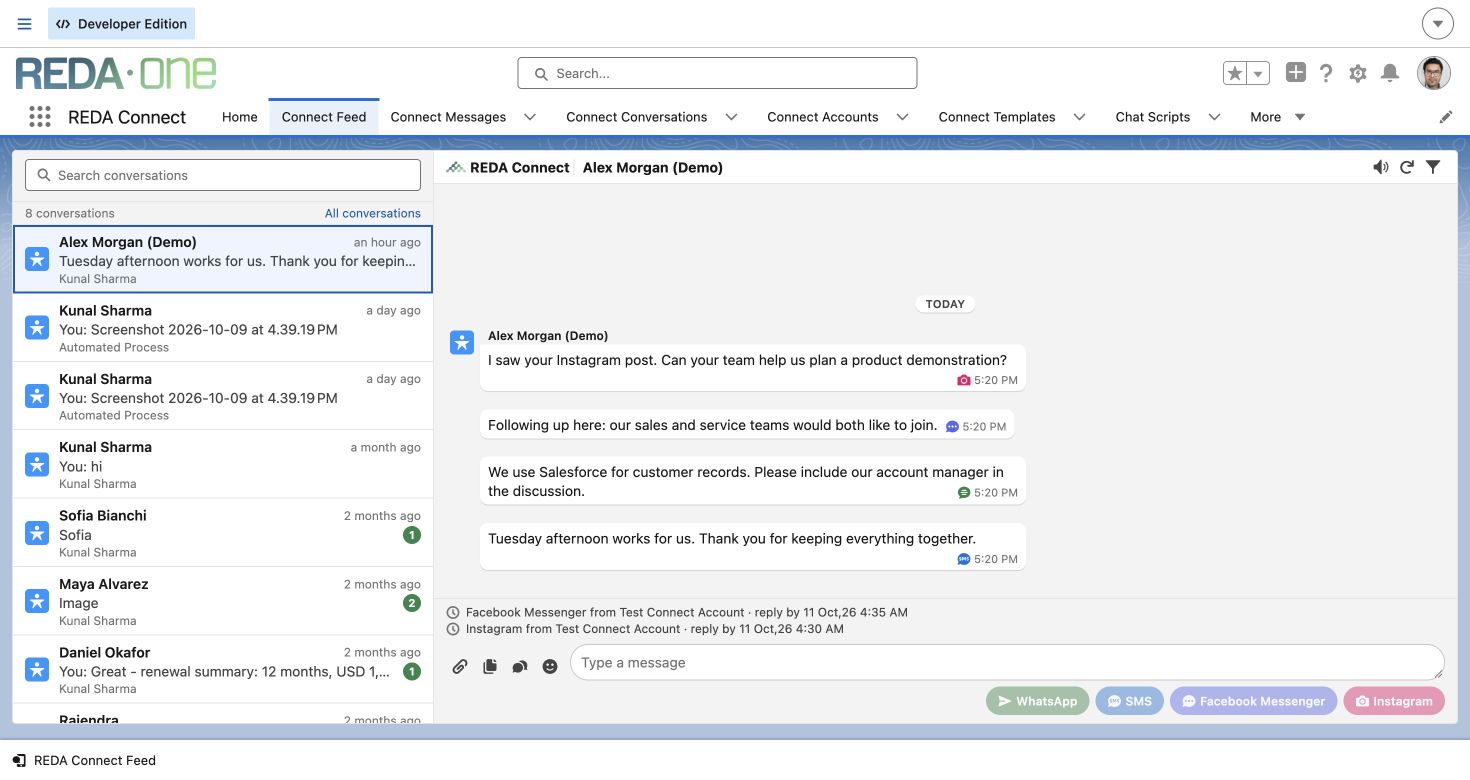
Choose your next step
Accounts, apps, tokens and webhooks, explained step by step.
Configure record matching, access and the layouts your people use.
Using custom objects? Configure their field mappings in Connect Account Config. Add the relevant fields to the customer’s page layouts after an upgrade.
Work from one feed and see what needs your attention.
Start with approved templates and connect messaging to your processes.
Keep your team up to date
Review release notes and the setup steps for your installed version.
Read release notesTell us what you’re trying to do and which step needs help.
support@reda.oneExploring REDA Connect for your business? Talk with our team.